Q.1 Why do most people fail at touch typing?
Most people fail at touch typing because they practice without structure, develop bad finger habits, and lose motivation too early. Instead of following a step-by-step system, they jump between random tools, which prevents consistent improvement.
Q.2 Why is touch typing so difficult for beginners?
Touch typing feels difficult because it relies on muscle memory, accuracy, and patience. Beginners often look at the keyboard, rush for speed, or skip basic lessons, which slows real progress.
Q.3 How many days does it take to learn touch typing properly?
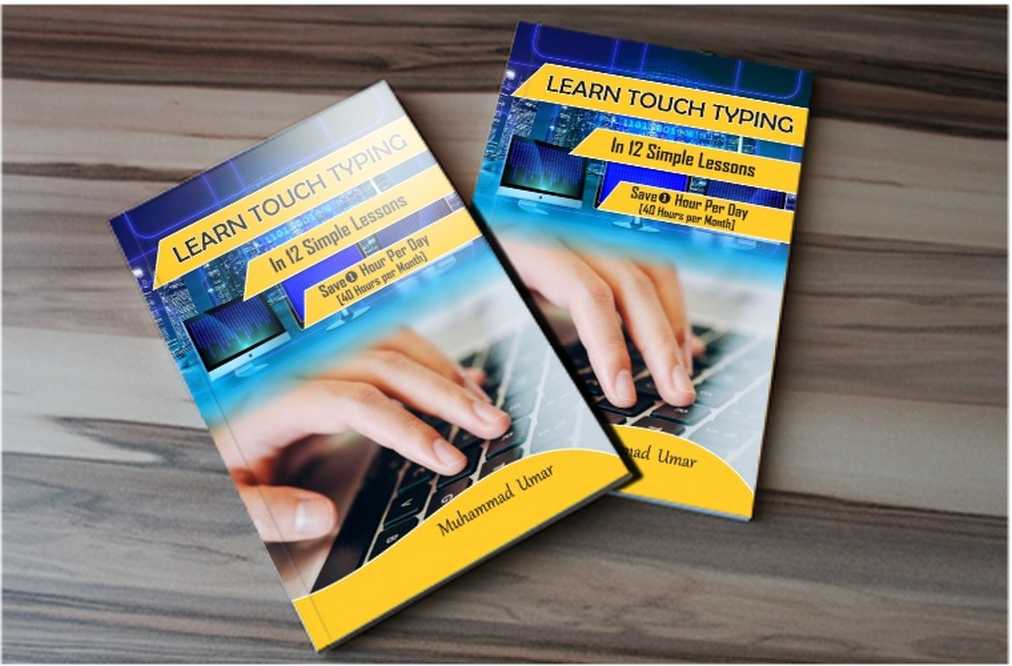
With a structured approach, most people can build a strong foundation in 10 to 15 days. A focused system like Learn Touch Typing in 12 Simple Lessons is designed to fix common typing failures quickly.
Q.4 How long should I practice touch typing each day?
Practicing 15 to 30 minutes per day is ideal. Short, consistent sessions work better than long, irregular practice.
Q.5 What are the most common touch typing mistakes?
Common mistakes include looking at the keyboard, incorrect finger placement, prioritizing speed over accuracy, practicing without a structured course, and frequently switching tools.
Q.6 Is touch typing really necessary today?
Yes, touch typing is really necessary today because it improves productivity, accuracy, and focus, especially for students, professionals, writers, and programmers.
Q.7 Why am I suddenly slower or worse at touch typing?
Sudden difficulty typing is often caused by fatigue, stress, poor posture, or repeated bad habits. Slowing down for a while and focusing on accuracy usually fixes the issue.
Q.8 Can adults learn touch typing, or is it too late?
It is never too late to learn touch typing. Adults often learn faster because they are more disciplined and goal-focused.
Q.9 What is the quickest way to fix touch typing failure?
The quickest way to fix touch typing failure is to follow a proven, step-by-step system instead of guessing or jumping between tools.
Q.10 Is it normal to hate touch typing at first?
Yes. Many learners feel frustrated early on. This usually fades as muscle memory improves and typing becomes automatic.
Q.11 Is 65 to 70 WPM with high accuracy good?
Yes, typing 65 to 70 WPM with around 98% accuracy is considered very good and above average for most professional needs.